Configuring Caller ID
Configuring Caller ID
By default, each facility is assigned a random number linked to its geographic region. To boost the confidence of family members receiving notifications from your facilities, it’s strongly advised to set up caller-ID for all your facilities.
To set up a caller ID for your organization’s facilities, it’s essential to coordinate with someone who can answer the phone at the specific location where the caller ID will be configured.
Only System Administrators are authorized to set up caller ID.
To set up Caller ID, navigate to
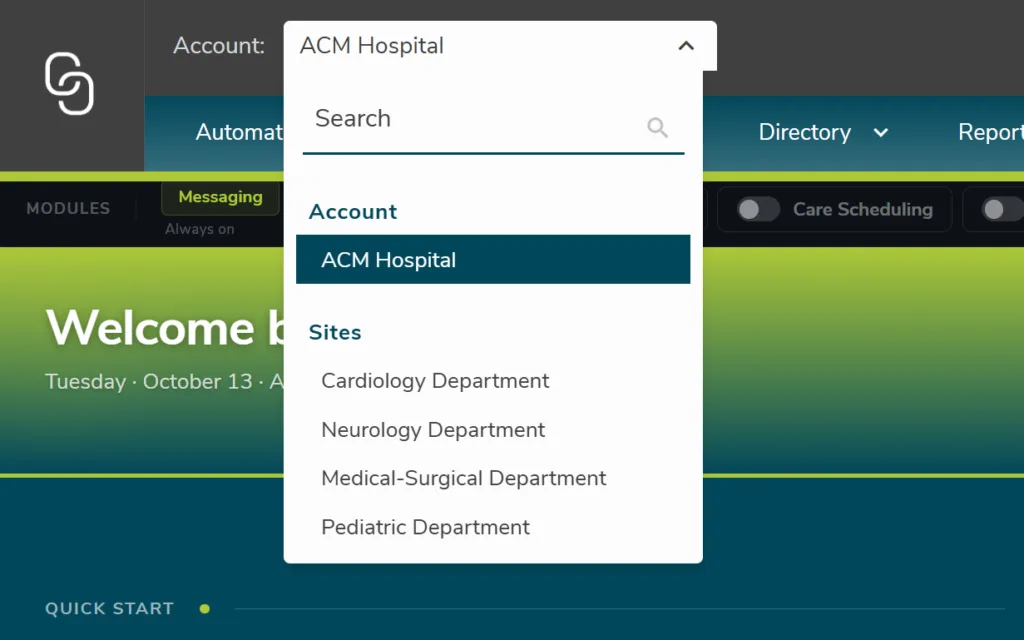
- Header > Facility > Select a Facility from the dropdown
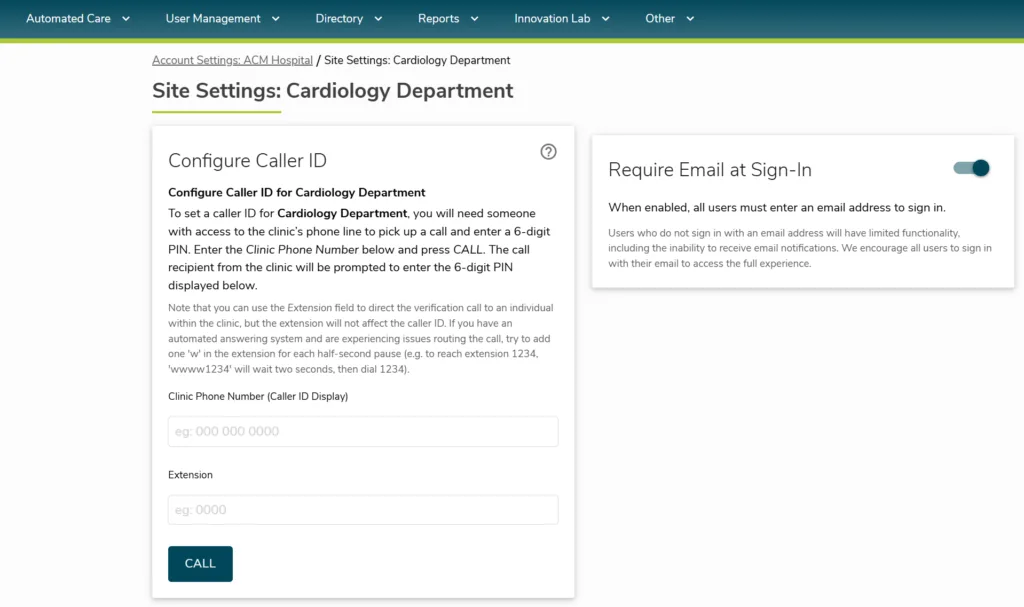
- Header ☰ > Settings > Onboarding Requirements
- Follow the on-screen instructions in the Caller ID panel
- Repeat the process for all of your facilities.