Deleting Form Submissions
Deleting Form Submissions
Authorized users have the ability to remove specific form submissions when they are no longer needed. This helps keep data accurate, relevant, and compliant—without impacting other submissions tied to the same form. This is especially useful for removing:
- Test or duplicate submissions
- Incorrect or incomplete entries
- Submissions entered in error
How to Delete a Single Form Submission
- Navigate to Main Menu > Reports>Submitted Forms
- Open the form that contains the submission you want to delete.
- Locate the specific submission in the submissions list.
- Select the Delete option from the ⠇for that submission.
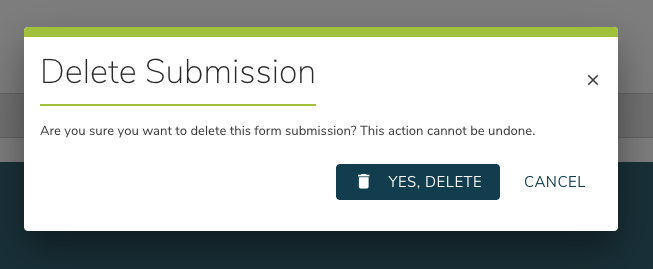
- Confirm the deletion to permanently remove the submission.