Editing A Submitted Form
Editing A Submitted Form
Post-submission editing allows providers to update or correct form responses after a patient has submitted them. This feature ensures clinical accuracy, reduces administrative friction, and aligns with workflows commonly expected in modern EMR-integrated systems.
How To Edit A Submitted Form
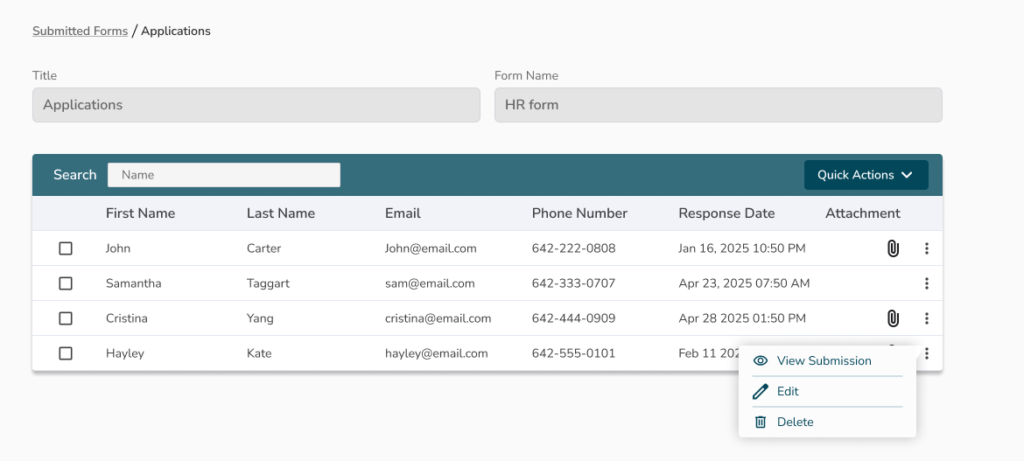
- Navigate to Submitted Forms
- Find the form submission you want to edit
- Click Edit
- Make the required changes
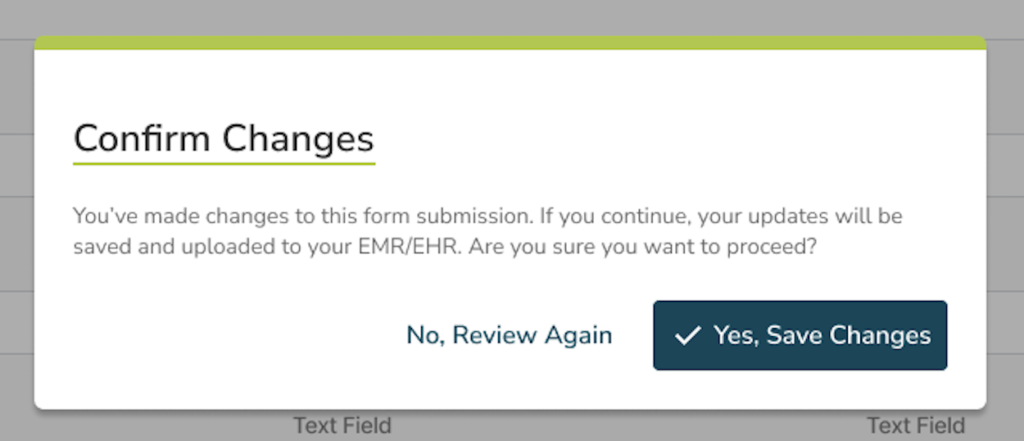
- Click Save and Upload.
Audit and Version History
- After clicking Yes, Save Changes a PDF copy of the updated form will be uploaded to the patient chart in the EMR
- In the Form Submissions two new columns will be visible to ensure full transparency:
- Modified Date
- Modified By