Message Options | Target Contacts
Message Options | Target Contacts
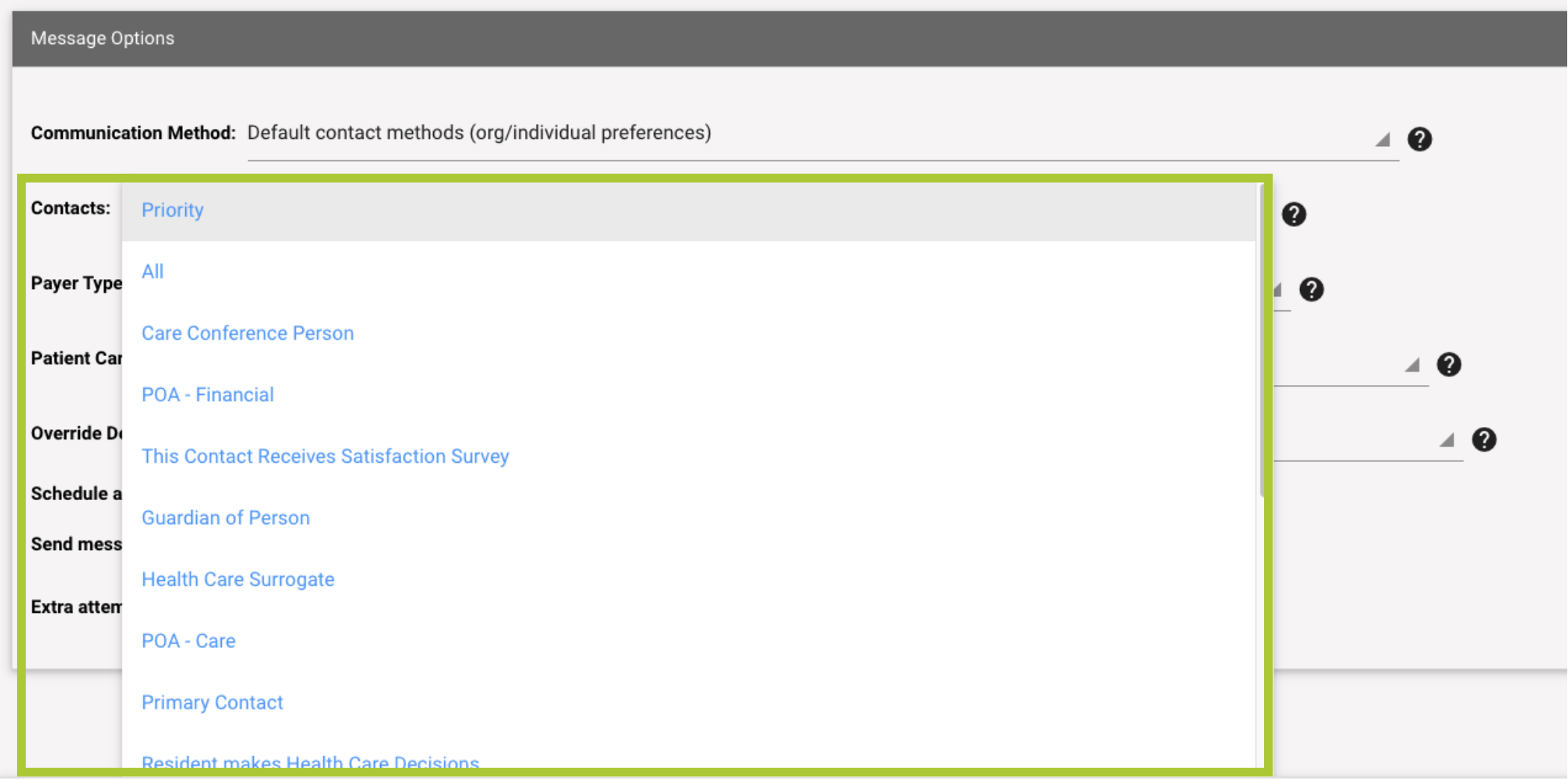
Need to reach all of a resident’s contacts or just a specific person? ACM Messenger lets you tailor your audience:
Default (Priority): Follow your organization’s settings to prioritize family members.
All Contacts: Reach the widest possible audience, excluding only specific contact types (like Billing). Use this option sparingly to avoid over-messaging.
Specific Role: Target contacts with a particular role in the resident’s care (e.g., Guardian, POA) as defined in your EHR.
To Manually Change the Contact
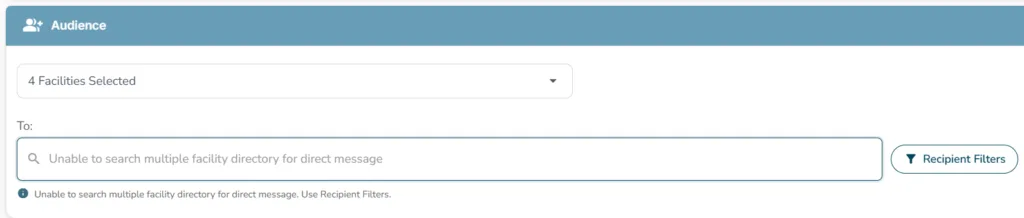
- Go to: Audience > To:
- Choose one of the options above.
Send Based on Payer Type
Send to contacts based on their Payer type, including Managed Care, Medicare, Medicaid, Private, etc.
Message Options > Payer Type
- Mapped to your EHR
Send Based on Care Type
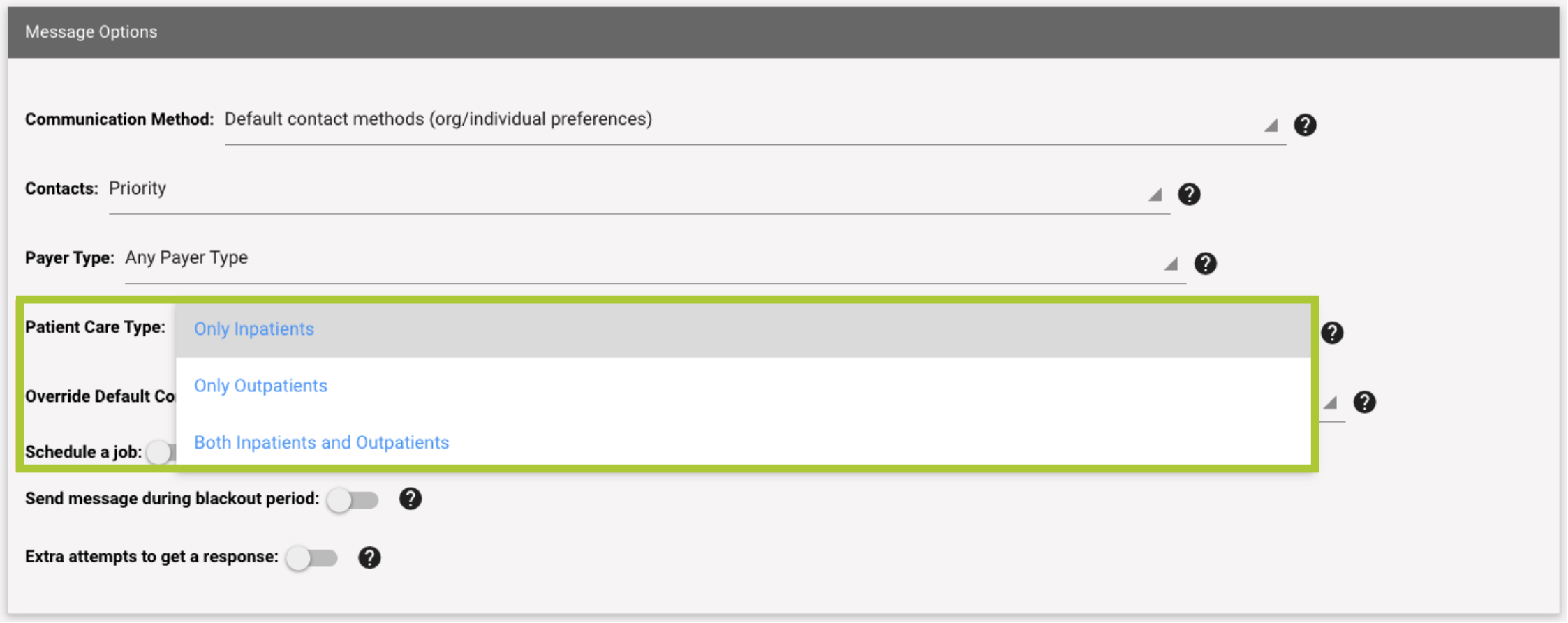
Message Options > Patient Care Type
Message Options > Payer Type
-
- Only Inpatients
- Only Outpatients
- Both Inpatients and Outpatients